For Le Mans Ultimate players
Experience your race
with your Hue lights
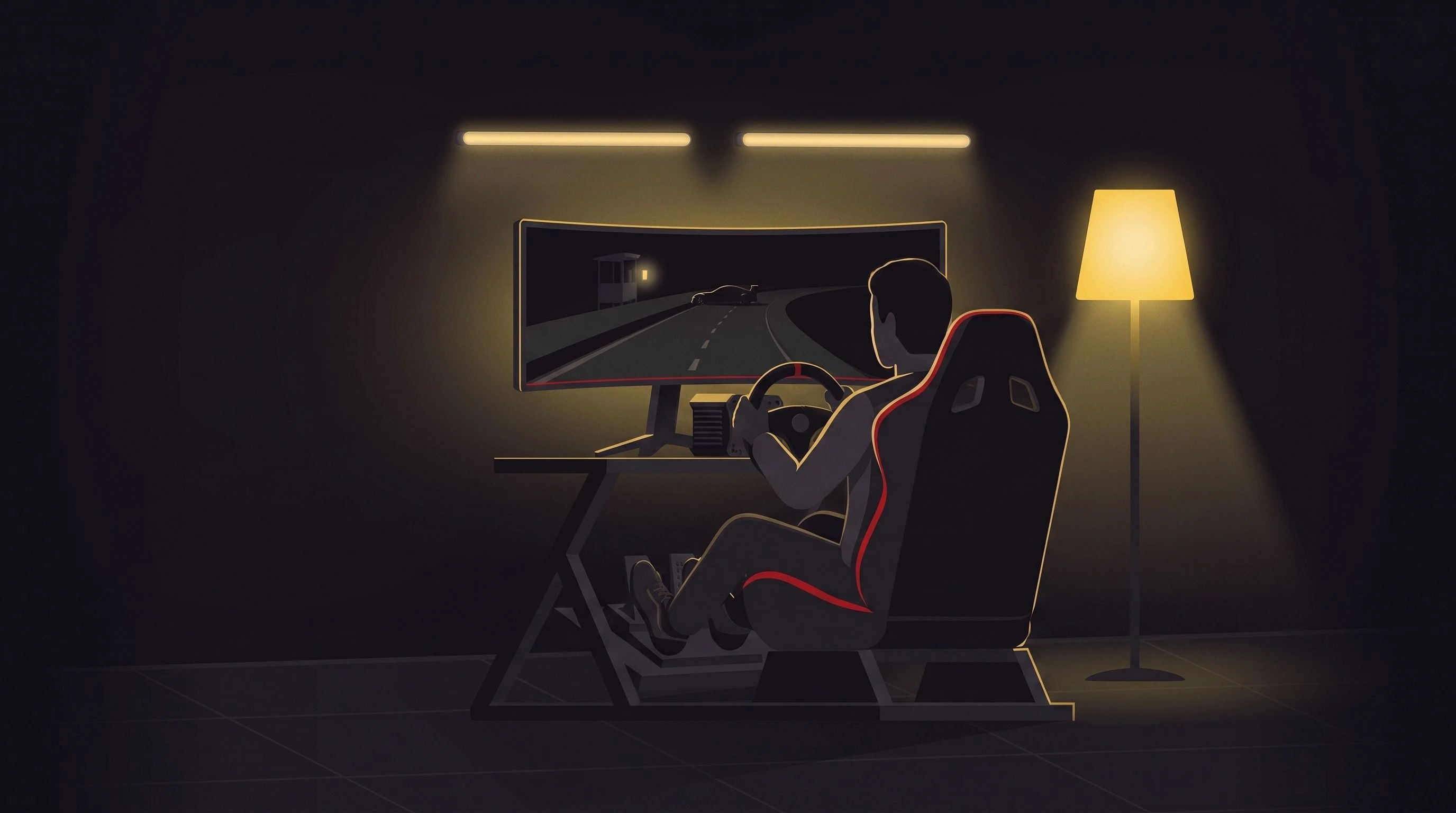
The race on your screen becomes a race all around you. With LMU HUE FLAGS your Hue lights glow in sync with what happens on track in Le Mans Ultimate.
These events are included in LMU HUE FLAGS
Race flags
Yellow flag
Crash or danger in your sector.
Green flag
Track clear — go racing!
Blue flag
A faster car wants through.
Checkered flag
The session is over.
More events
The desktop app
Total control
over every flag
-
Flag color
Take the colour you like: a preset for the quick way, or a hex value when you have something specific in mind.
-
Light behavior
Solid for calm signals, blinking for urgent ones. Number of flashes, duration and blink speed are yours to set per flag.
-
Assign Hue lights
Whether one light shows every flag or each flag gets its own: you decide per event which lights come on.
Philips Hue Bridge
Bridge IP address
Connected in
60 seconds
- 1
Enter your Hue Bridge IP address
Find the IP address of your Hue Bridge and enter it on the left.
- 2
Put the Bridge into pairing mode
Press the large round button on the Hue Bridge for one to two seconds. It then sits in pairing mode for a minute.
- 3
Connect
Hit "Connect" while the Bridge is in pairing mode. Once it is connected, LMU HUE FLAGS stays paired for good.
Every light
individually addressable
The app reads every light on your bridge, and you switch on the ones allowed to join in.
Available lights
Lights toggled on will be available for flag signal assignment.
Pricing options
Subscription or lifetime.